

What you’ll learn
Claude Projects are persistent AI workspaces. You give them instructions, a knowledge base, and optionally team access — and every conversation inside the Project starts with full context, every time.Understand Projects
What Projects are and when to use them
Plan your Project
Define scope, instructions, and knowledge
Build and connect
Set up your Project with files and web search
Share and collaborate
Invite your team and scale the workflow
What is a Claude Project?
A Claude Project is a dedicated workspace inside Claude where your instructions, uploaded documents, and conversation history live together — persistently, across every session. Unlike a regular Claude conversation that resets each time, a Project remembers your context. Every new conversation you start inside it inherits your instructions and knowledge automatically.2026 update: Claude Projects were originally available to paying users only. As of February 2026, free users now have access to Projects too. Enterprise plans include team sharing, Jira and Confluence integrations, and a collaboration model where multiple team members can contribute to the same Project.
What Projects are good for
Examples from real teams
Examples from real teams
Test your understanding
Test your understanding
Where to find Projects
The Projects panel
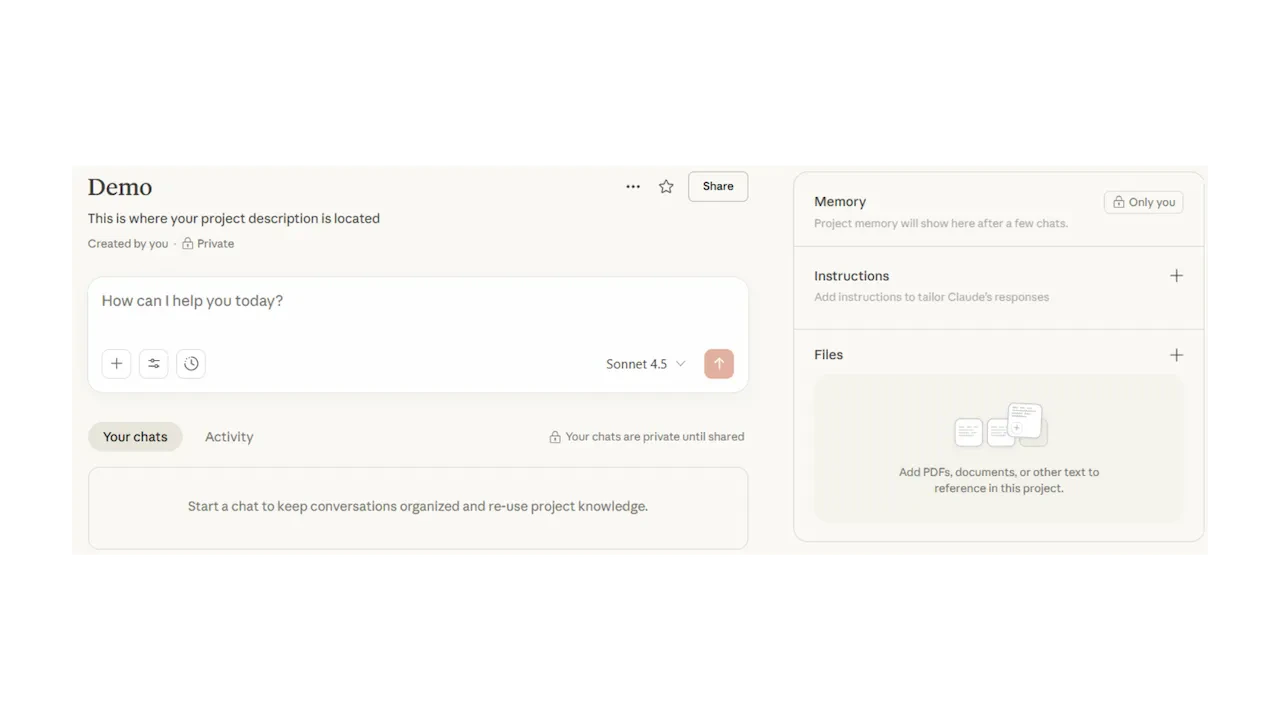
Inside a Project
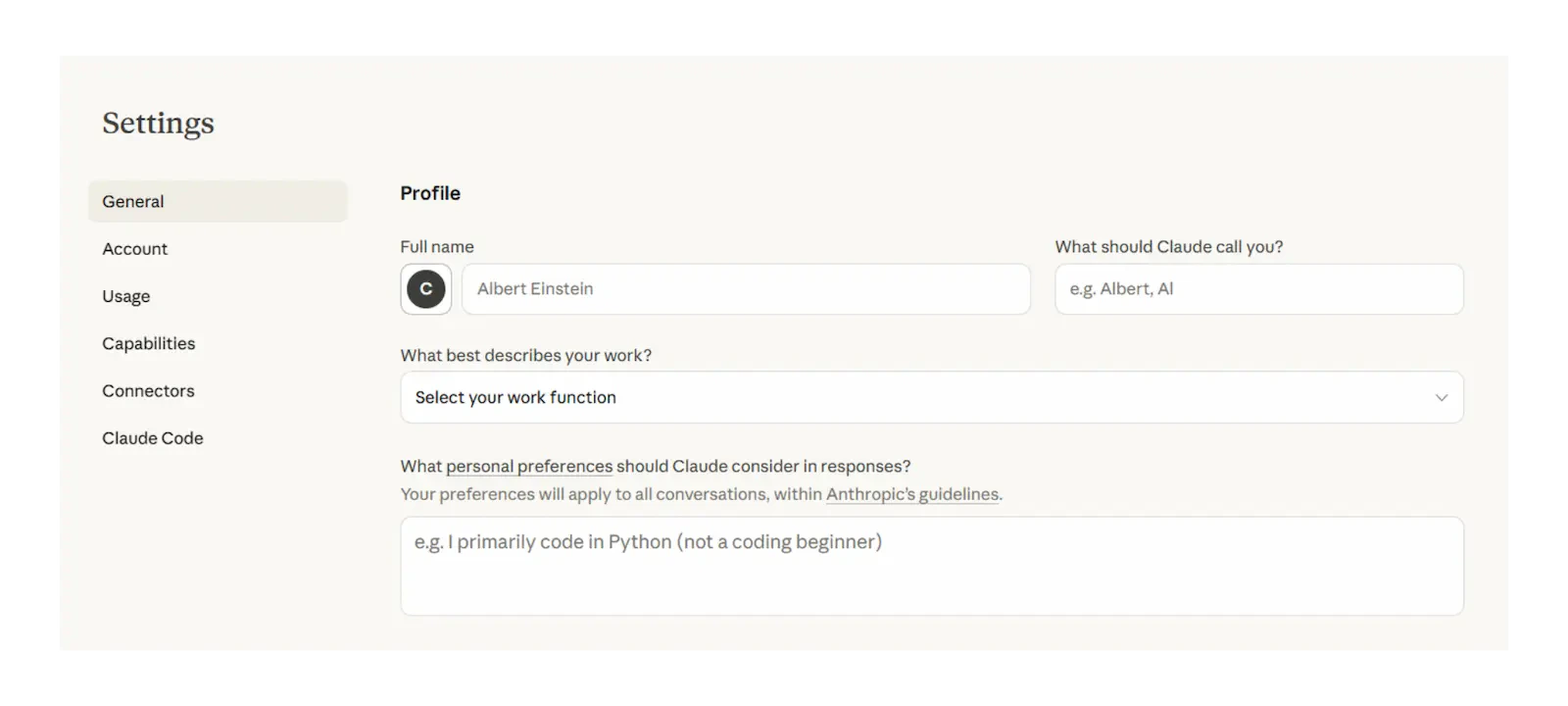
Planning your Project
Answer these three questions before you open Claude. Projects built without clear planning are vague to use and hard to share with colleagues.1
One-sentence task description
Write what this Project does. Example: “This Project helps the leadership team interpret board papers by answering questions grounded in the uploaded documents.”If you cannot say it in one sentence, the scope is too broad — narrow it first.
2
What it needs to know
List the documents and reference material your Project should draw from. Supported formats: PDF, Word (.docx), plain text. Claude will search these automatically in every conversation inside the Project. You do not need to name the documents in each chat.
3
Who will use it
If it is just for you, keep it private. If your team will use it collaboratively, plan for sharing upfront — Claude Team and Enterprise plans allow you to invite colleagues who can then start their own conversations inside the same Project, with the same instructions and knowledge.
Writing your Project instructions
The instructions field
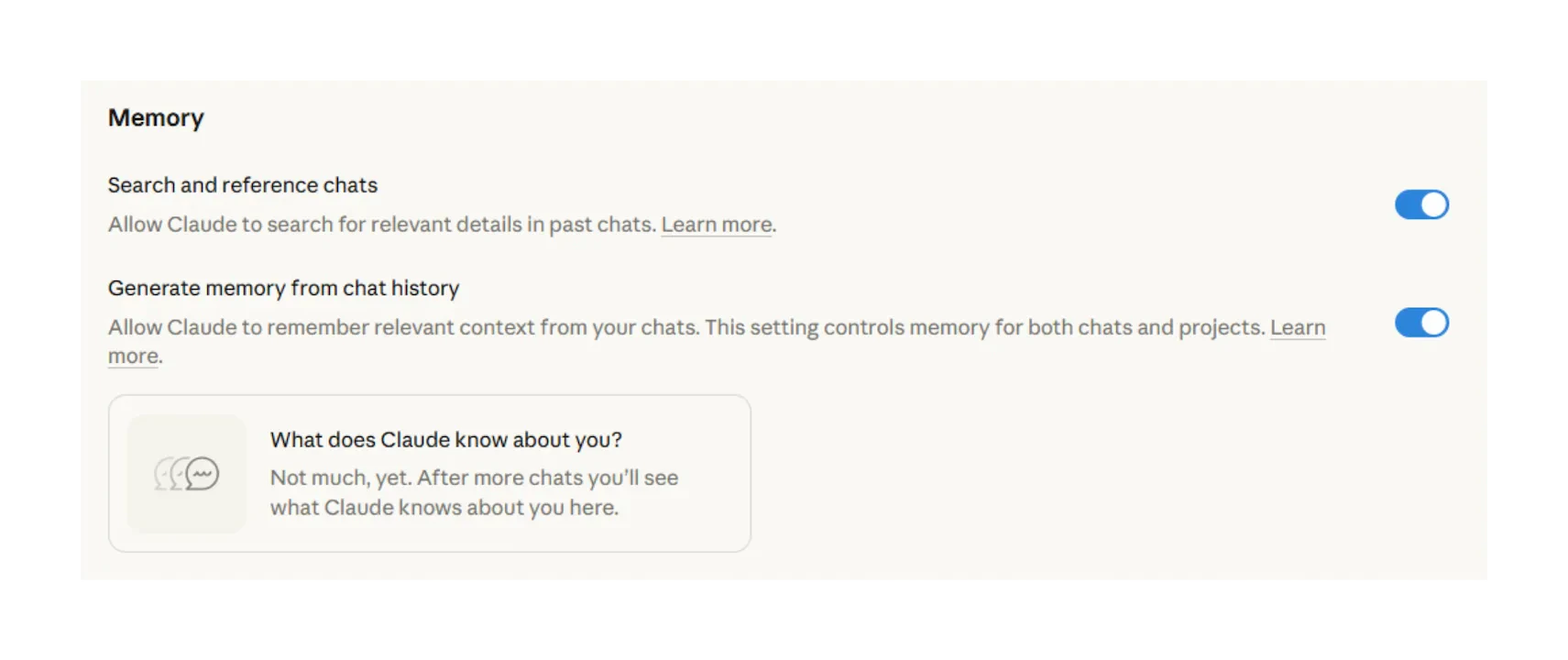
Custom writing styles
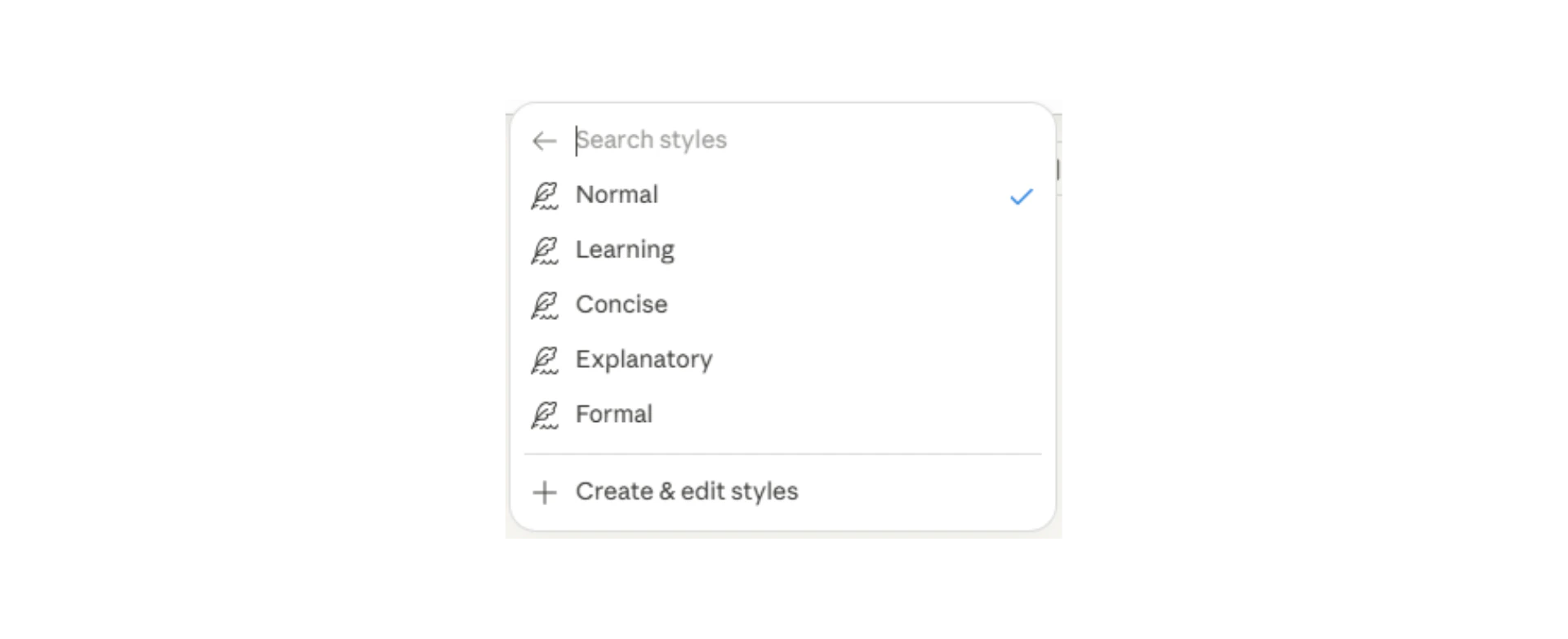
Adding knowledge and tools
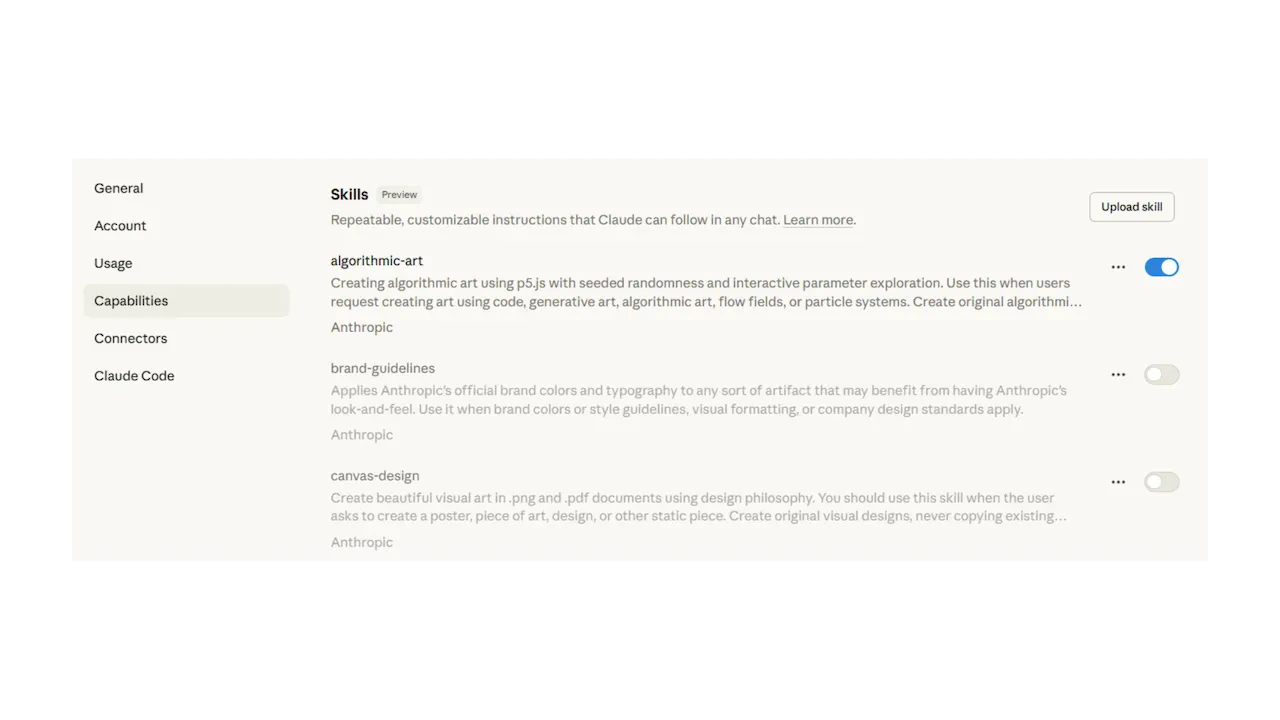
Uploading knowledge files
- Keep documents focused — don’t upload your entire intranet
- PDFs and Word documents work best
- For long documents, Claude uses its 1M-token context window to process the full content
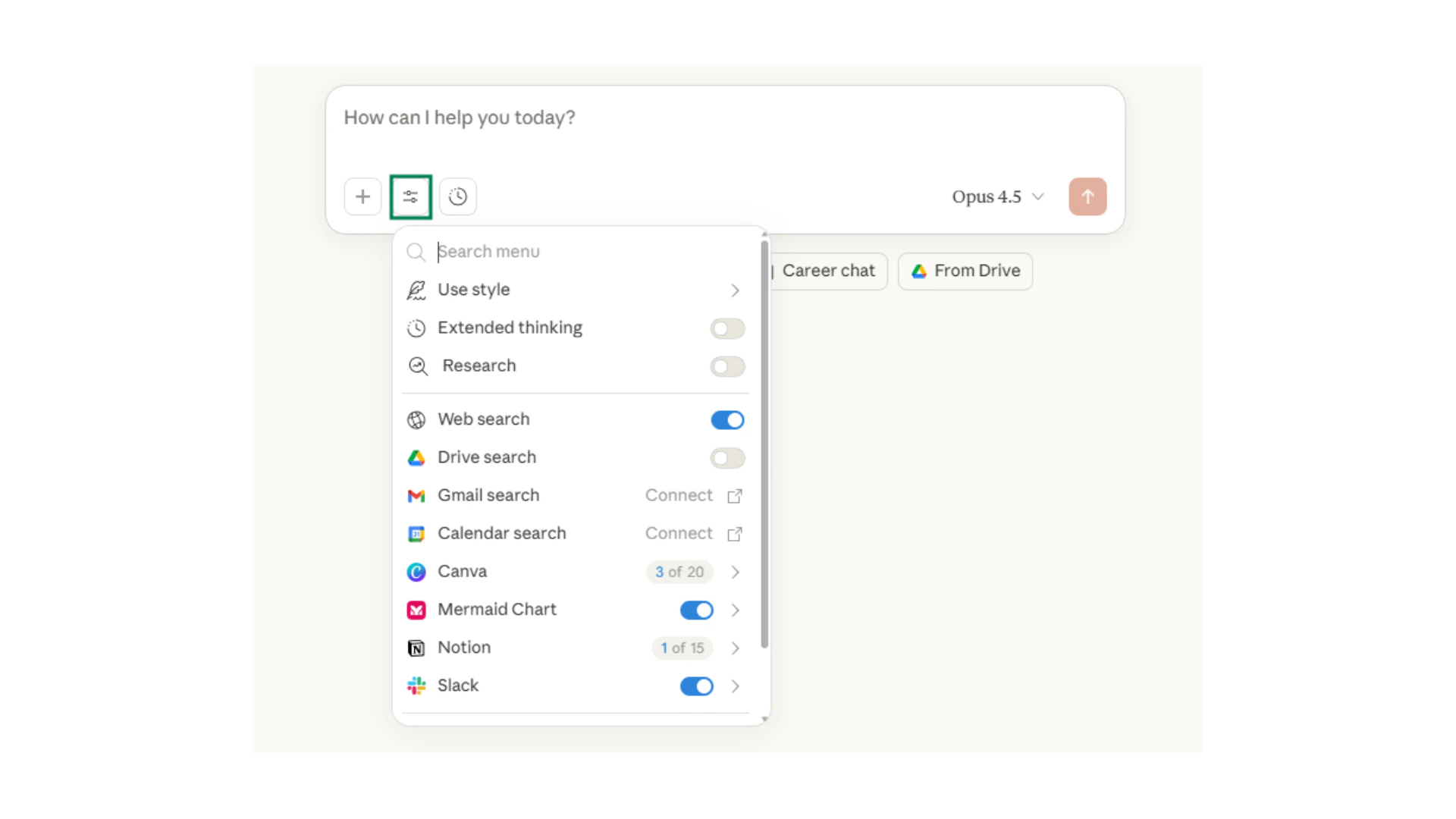
Web search inside Projects
Team collaboration
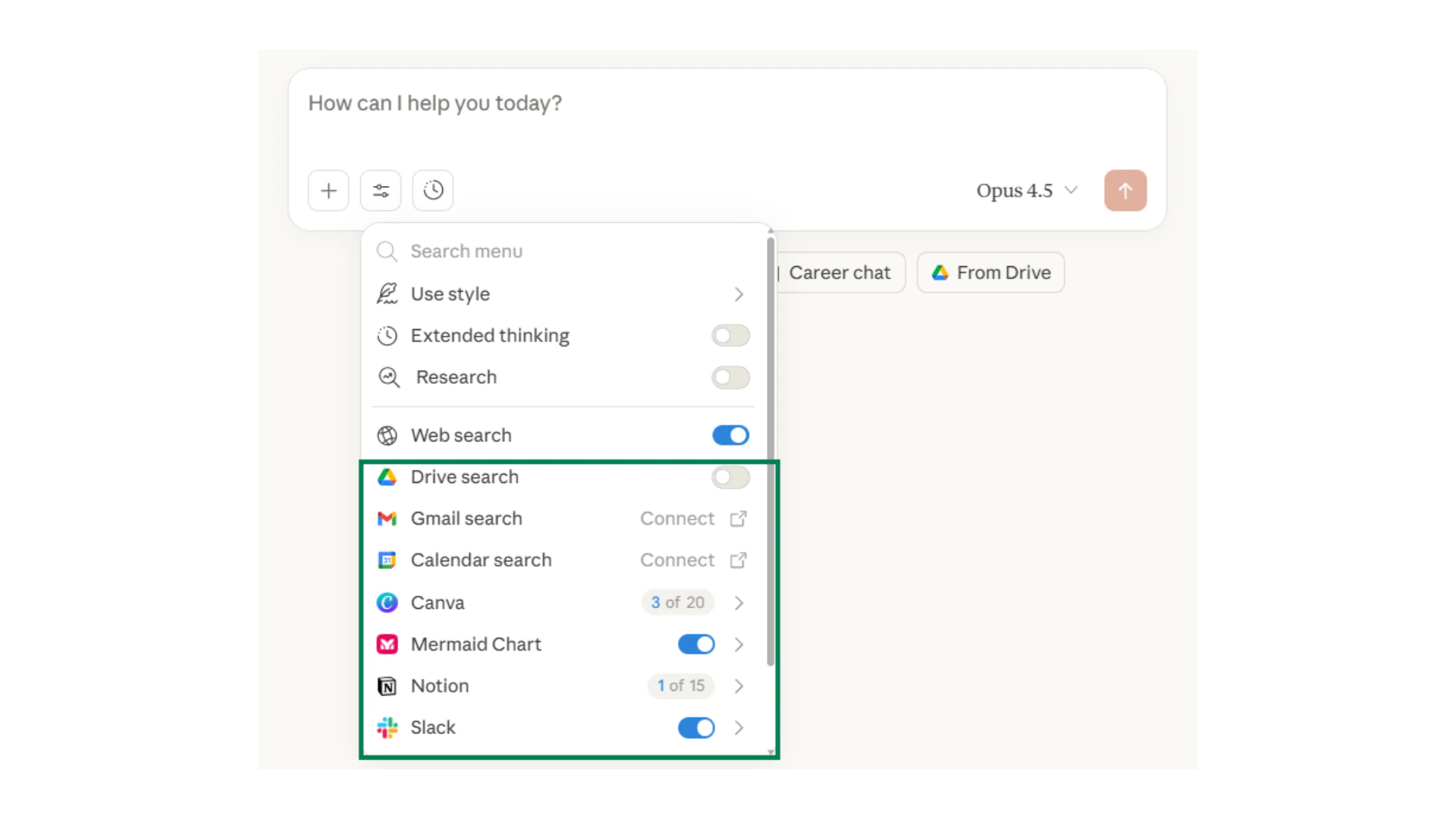
Sharing your Project
Claude in Chrome
Reviewing and refining
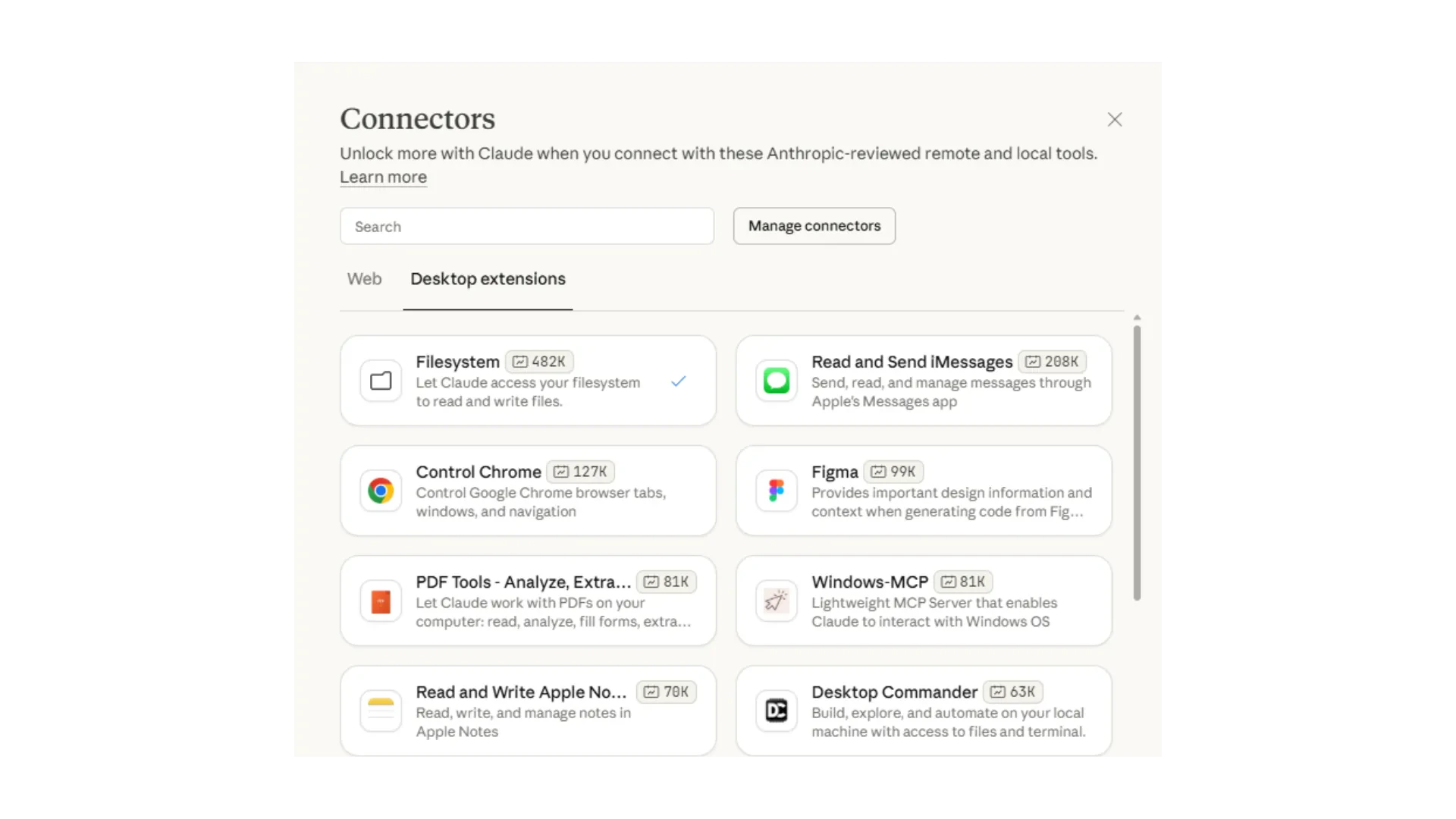
Testing your Project properly
Testing your Project properly
1
Use a real question
Ask the Project something you would genuinely ask in your work. A specific, realistic question tests whether the instructions and knowledge are working together correctly.
2
Check the citation behaviour
If you asked Claude to cite sources, does it? Does it reference the right documents? If not, tighten the instruction: “Always cite the specific document and section you are drawing from.”
3
Test an out-of-scope question
Ask something the Project should not answer. Does it stay within scope or go off-topic? If it drifts, add a constraint to the instructions: “If a question is outside the uploaded documents, say so clearly and suggest the user contact [team].”
4
Ask a colleague
Before sharing broadly, ask one person who was not involved in building it to test it. Fresh eyes find gaps faster than the builder.
Common instruction fixes
Common instruction fixes
Test your understanding
Test your understanding
Quick checkpoint
You are done with this module when you can do the following:Scope your Project
You can describe your Project in one clear sentence
Write instructions
You have written instructions that define task, citations, format, and constraints
Upload knowledge
You have connected at least one reference document
Share it
You have shared the Project with at least one colleague or tested a real task
Ready to build?
Complete the challenge to build and test your first Claude Project