

Introduction
Creating professional images and videos takes time and technical skill. AI visual tools change that. Gemini gives you the ability to generate concepts, test ideas, and move from brief to prototype with significantly greater speed. The key to creative success lies in understanding how to communicate your vision clearly and leveraging the right tools for each task. Whether you’re creating a single social media post or building an entire marketing campaign, you’ll learn to work collaboratively with AI to bring your creative ideas to life more efficiently than ever before.Prompting for image and video generation
To get the best results from creative AI tools, it’s essential you address five key elements, leaving minimal guesswork to AI:Subject
Subject
Clearly define the main focus (“who” or “what”) of your image or video to anchor the creation.Key questions to consider:
- Who/What is the focus?
- Any reference images?
Setting
Setting
Describe the environment, context, location, time, or weather to build the world around the subject.Key questions to consider:
- Where/When is this happening?
- Weather conditions?
Aesthetic
Aesthetic
Define the overall style, mood, and feel (e.g., Photorealistic, Cheerful) to guide the artistic direction.Key questions to consider:
- What’s the style/mood?
- Preferred colour palette?
Composition
Composition
Specify how elements are arranged, including framing, perspective, and point of view (e.g., Close-up, bird’s-eye).Key questions to consider:
- Shot type?
- Subject placement?
Motion
Motion
For AI videos, being specific about movement and direction is essential. If you have a reference image, draw arrows, directions, and labels to help AI visualise your instruction. Lastly, your description should outline the camera and subject’s motion.Key questions to consider:
- Have you labeled (annotated) your reference image(s)?
- Is the camera or subject moving?
- What’s the scene’s speed?
Copy sample prompt here
Copy sample prompt here
Nano Banana image generation
Nano Banana is Google’s leading AI image generation technology, and is one of the most advanced image creation tools available on the market. This tool stands out in its ability to accurately interpret reference images, making it especially powerful for consistent, high-quality product shots. It excels at generating photorealistic visuals that capture fine details, natural lighting, and subtle textures, while also being perfect for making precise edits to the same image.
Prompting techniques
Test your understanding
Test your understanding
Veo video generation
Veo 3.1 is Google’s most advanced video generation model, representing a significant leap in AI-driven media creation. This tool excels at interpreting reference images and prompts to produce eight-second videos that also include audio. This technology stands out in its ability to understand cinematic directions and simulate realistic human movement.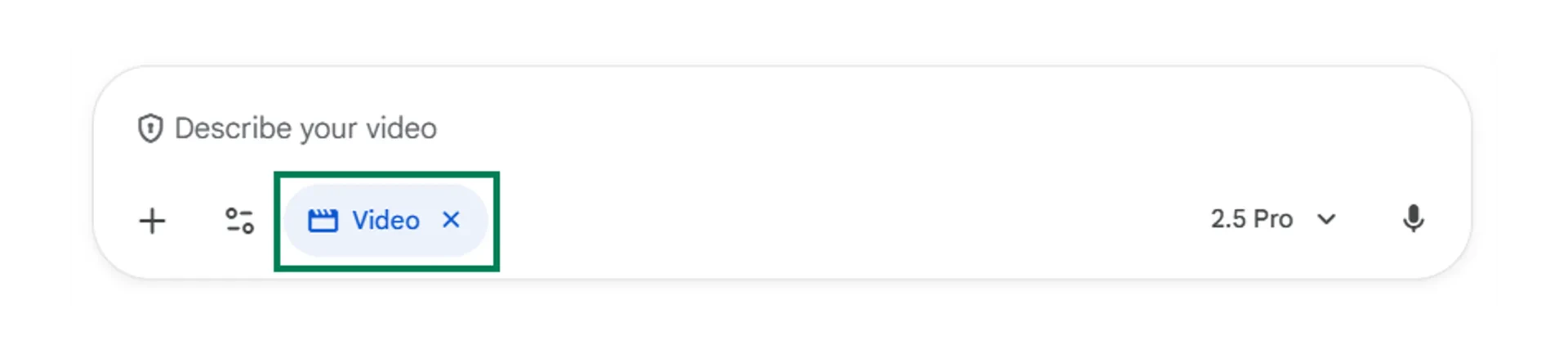
Video generation best practices
When creating videos in the Gemini platform, the best workflow is to first use Nano Banana to generate a reference image and then define the subject, setting, aesthetic, composition, and motion to describe what should happen in the video. This approach helps you get results you’re happy with, using Nano Banana to sketch the opening frame while avoiding unnecessary prompt spend in Veo.Test your understanding
Test your understanding
Video and image generation limitations
Understanding the current limitations helps you set realistic expectations and plan accordingly:Mixed reactions
Mixed reactions
Be aware that using AI-generated images and videos in public or customer-facing campaigns can generate mixed reactions.
Transparency needed
Transparency needed
It is always good practice to be transparent when you’ve used AI to generate content. Being open about the tools you’ve used helps build trust and manage expectations.
Challenging edits
Challenging edits
As you make tweaks or edits to an image, Gemini may sometimes modify unintended elements of the image.
Speed & usage limits
Speed & usage limits
As this technology continues to develop, its speed and usage limits are likely to improve.
Inaccurate text
Inaccurate text
Text output in images and videos is often misspelled or includes random scribbles. This will likely improve over time but remains an important consideration when developing visual content.
Iteration required
Iteration required
Your first attempt will rarely be your best. Achieving a result you’re happy with will require modification and iteration based on generated output.
Google’s early stage creative platforms
Google is developing several specialised platforms that extend beyond basic image and video generation:Google Flow
Google Flow
Google Flow is Google’s native filmmaking tool, allowing you to turn images and prompts into videos, then stitch together different Veo clips to build real scenes. It gives you shot-by-shot control, so you can plan sequences, iterate on specific moments, and maintain consistent characters and style across an entire piece.This matters because it moves AI video from one-off clips to true storytelling and production workflows. Compared with traditional Gemini chat prompting, Flow offers a structured, visual workspace rather than a single giant prompt, making it easier to refine, reuse, and scale ideas. Overall, it’s a very promising direction for serious AI-powered video creation.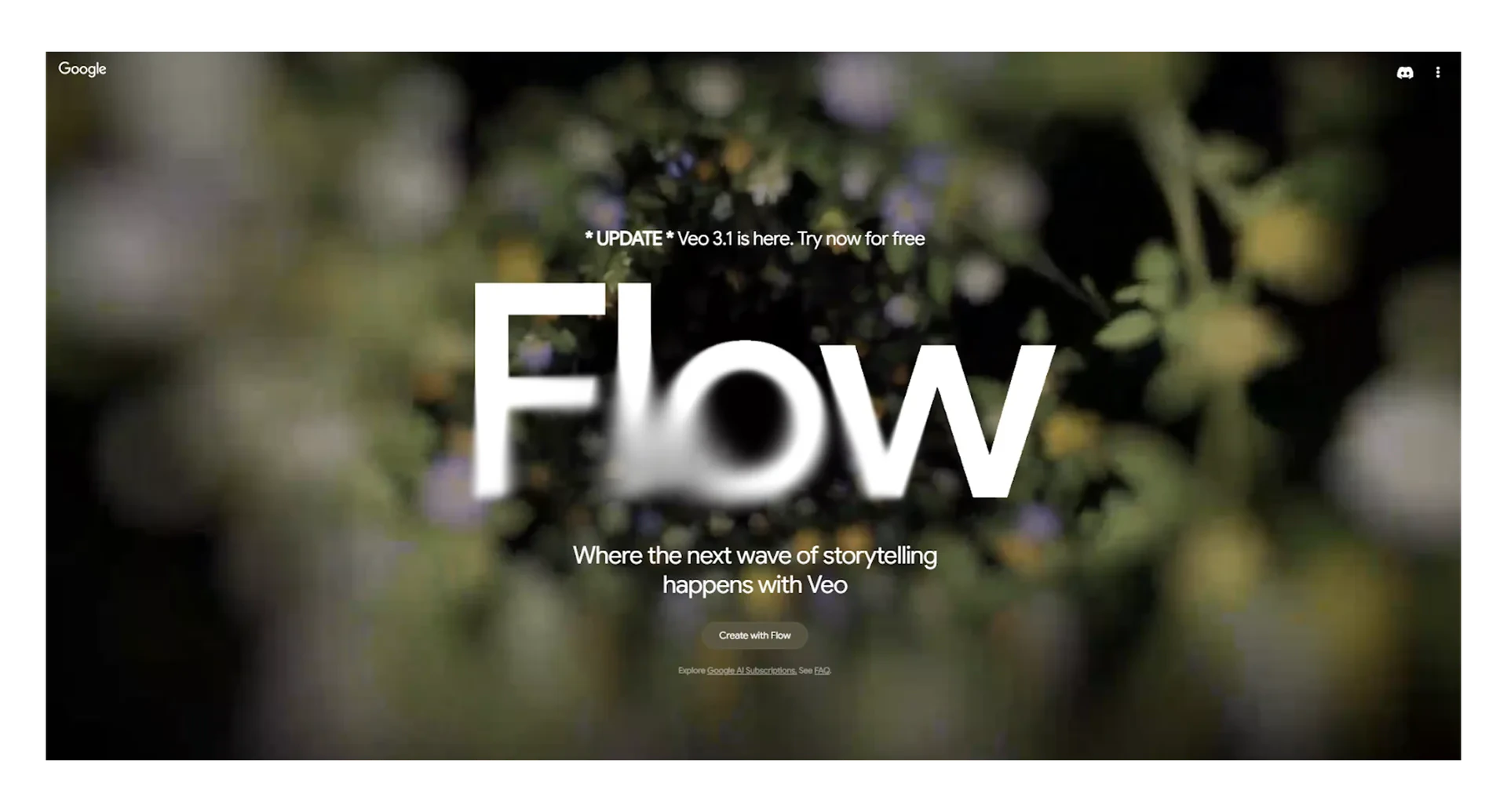
Google Mixboard
Google Mixboard
Mixboard is Google’s AI-powered concept board, giving you a visual space to explore, expand, and refine ideas using Nano Banana. You can pull in images, create moodboards, generate multiple concept variations, and quickly test different styles. Mixboard can also be shared between team members to visually map out creative ideas.Compared with a traditional Gemini chat, Mixboard offers a more tactile, creative canvas instead of a linear text box. While this platform is still in its infancy, it represents an exciting movement towards AI-enhanced creative collaboration.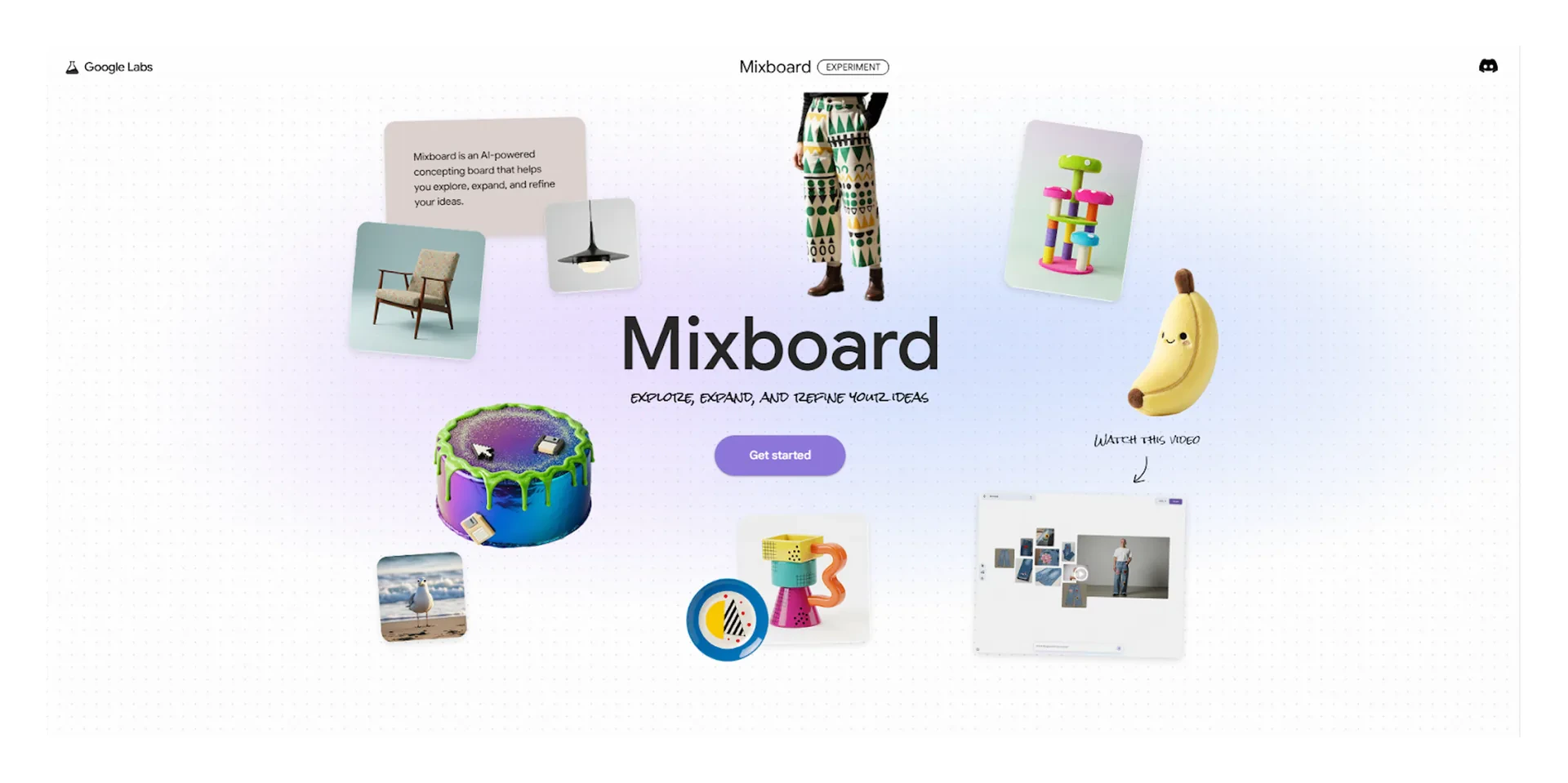
Google Stitch
Google Stitch
Google Stitch is Google’s AI-powered UI/UX sketching tool that turns simple text descriptions into interface concepts in seconds. The technology helps you quickly sketch out screens, flows, and interactions, then refine them as you go.Similar to Figma, you get a visual canvas where you can map user journeys, adjust layouts, and explore alternative designs. You can “vibe code” and describe your designs while Stitch handles most of the heavy lifting. Best of all, you can export your work to Figma or even copy the generated code if needed.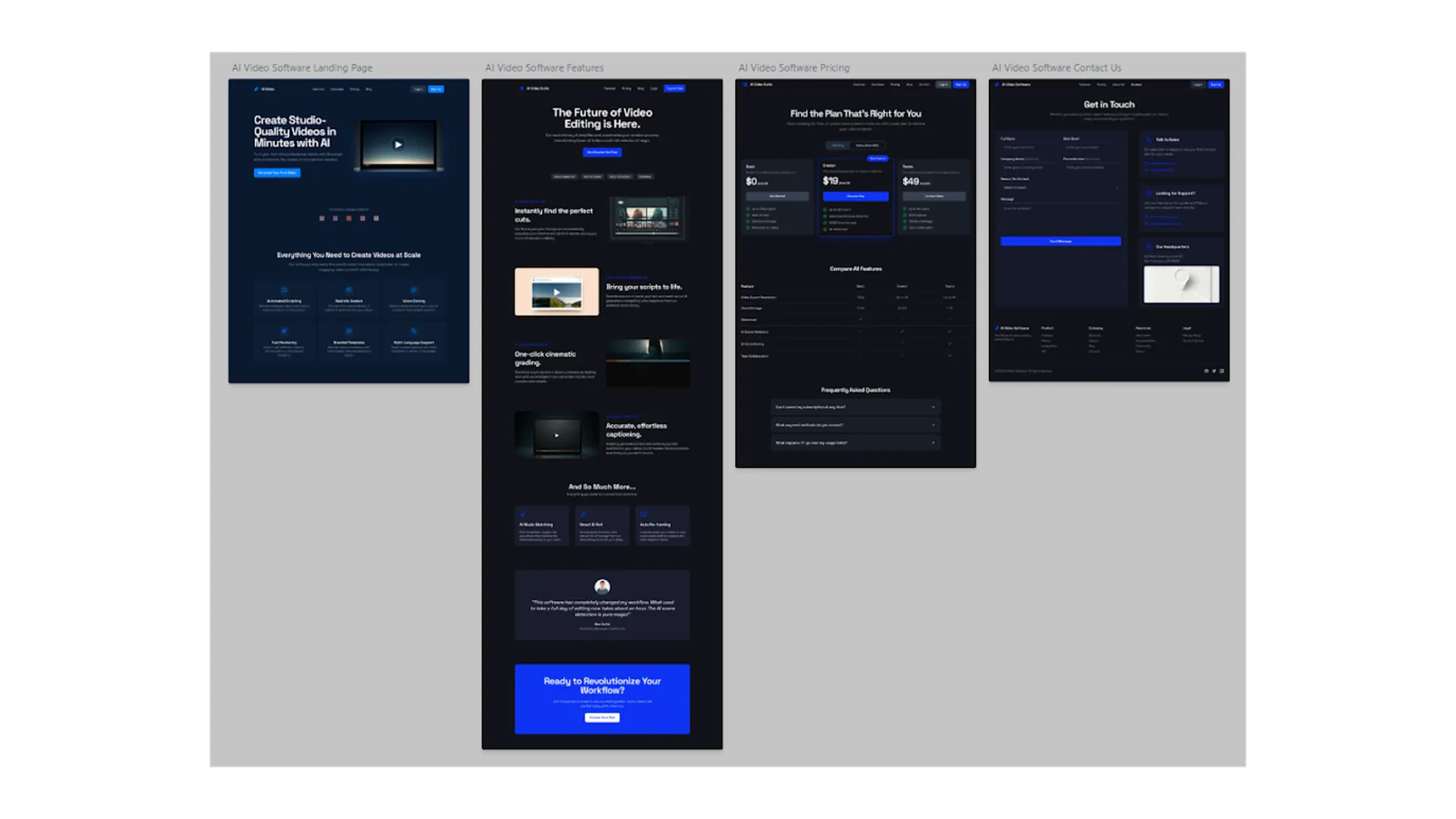
Quick checkpoint (you’re done when…)
5 prompt elements
You can list the five key elements for image and video prompting
Reference images
You know how to use Nano Banana to replicate subjects or extract styles
Video workflows
You use an initial image frame before generating video in Veo
Expectation management
You understand current limitations like inaccurate text and usage limits
Ready to practice?
Complete the mini challenges of the module